Availability that is true
Blocked dates, lead times, minimum durations and the gaps your work actually needs between jobs.
Every missed call is a booking that went to whoever answered. A booking system is not a contact form with a date field: it is availability someone can trust, a confirmation that arrives immediately, and a list your team can work from in the morning.
What has to happen after the click
The easy part is the calendar. The rest is what decides whether you keep using it after the first busy week.
Blocked dates, lead times, minimum durations and the gaps your work actually needs between jobs.
The customer gets certainty immediately; you get a notification with everything needed to prepare, including where the place actually is.
Taking a deposit filters the people who were never coming, if your market accepts it. Where it does not, we say so.
A day view, a status per booking, and the ability to change one without emailing anybody.
Weekends and past days are closed, and some slots are already taken — the same rules a real calendar enforces. Nothing is sent anywhere and nothing is stored: this runs entirely in your browser.
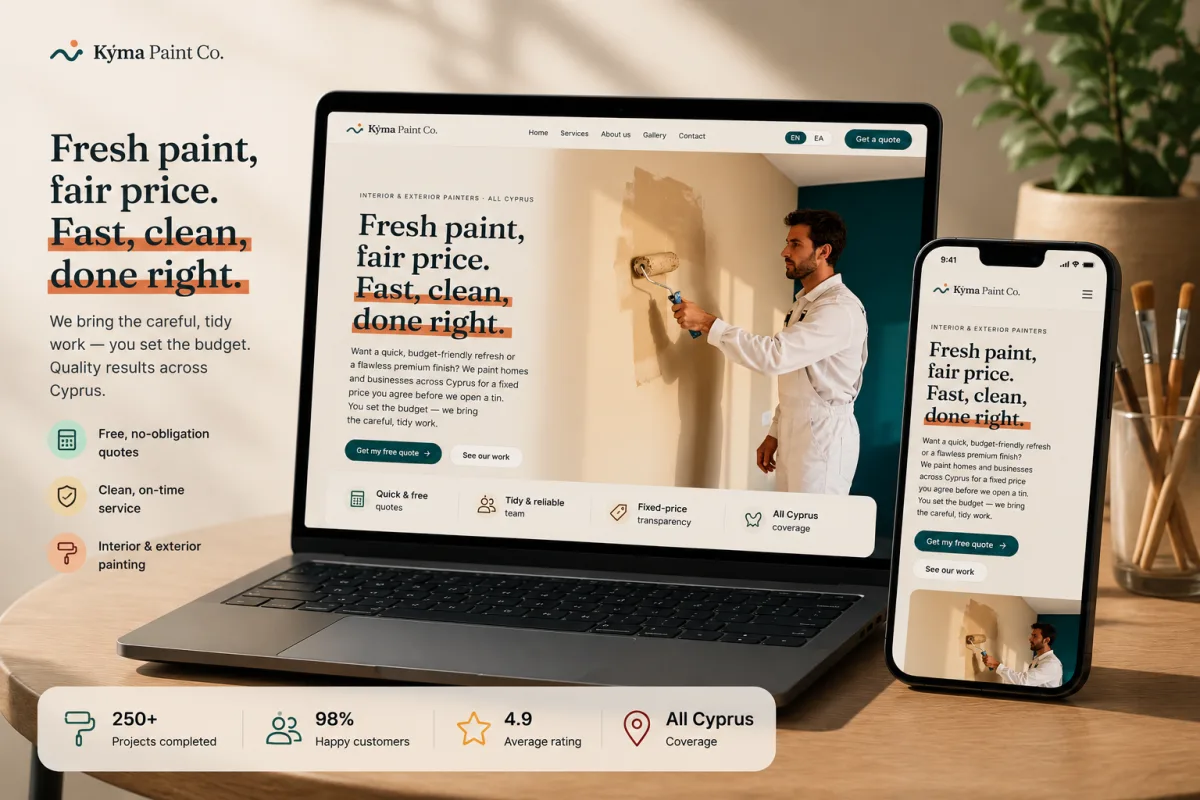
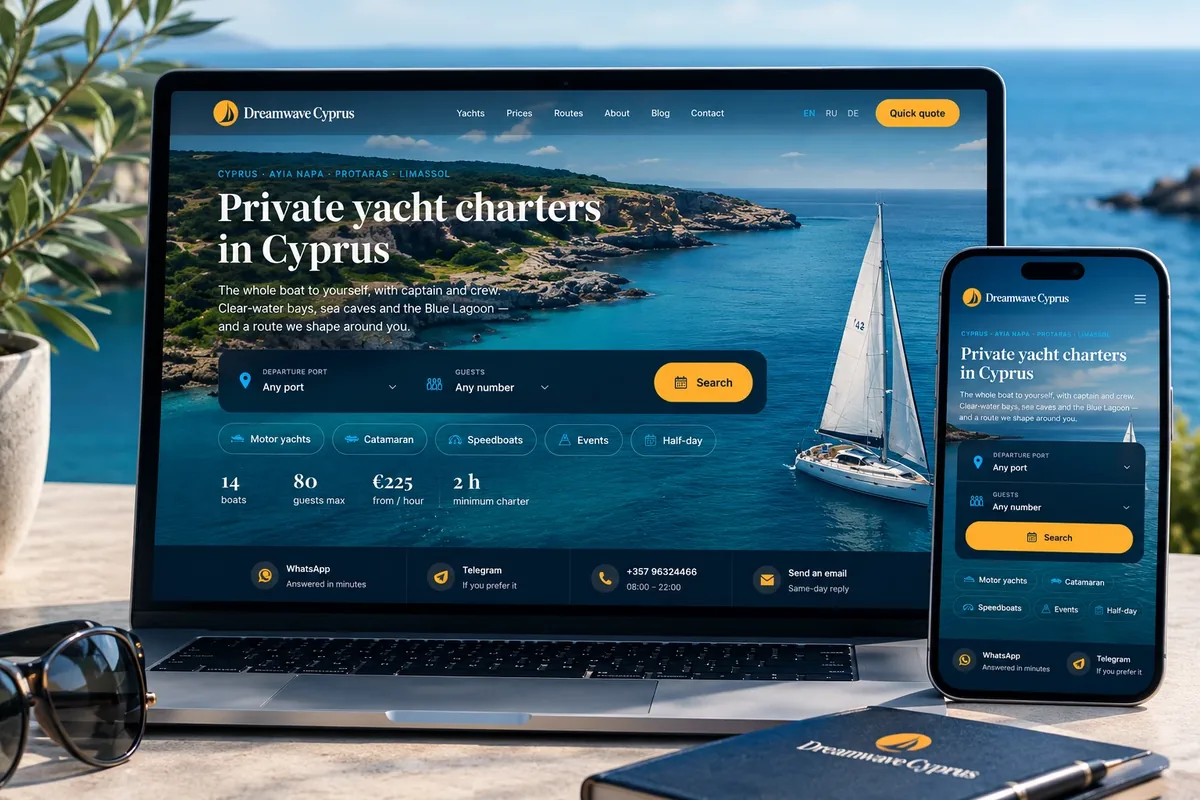
We have built this for a painting company taking site visits and for a charter business taking boat days. The patterns differ more than you would expect.
Address accuracy matters more than time slots: a map pin without a door number wastes a crew's morning.
Duration, capacity and weather windows decide what can even be offered.
Buffer time and no-show handling, otherwise the calendar fills with ghosts.
Numbers, dietary notes and the deposit, in one flow rather than three emails.
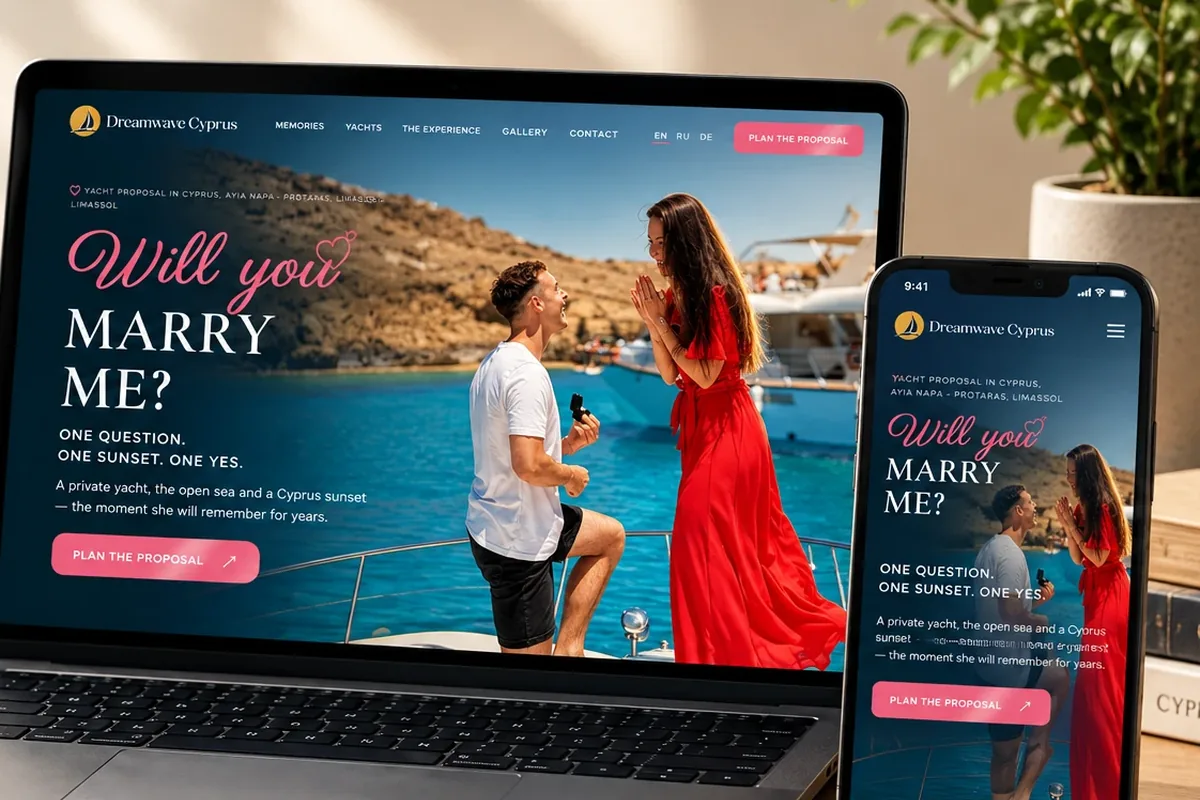
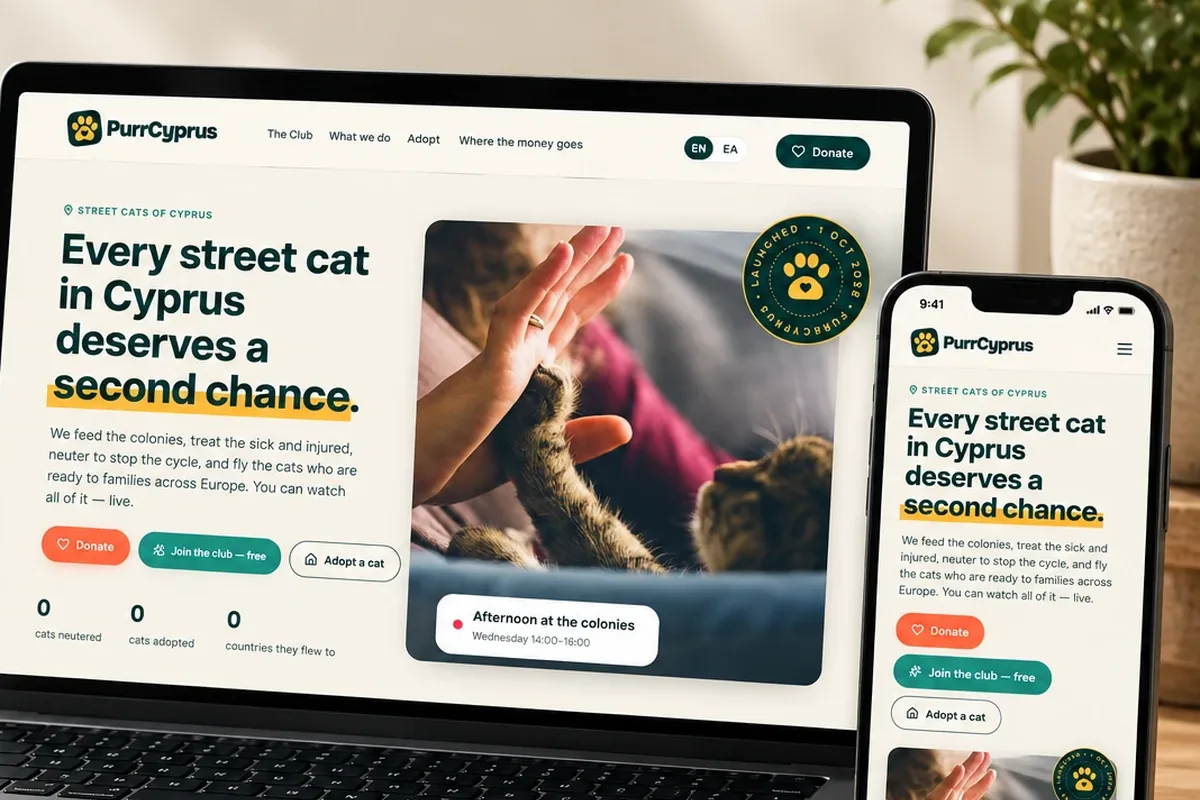
Not mock-ups. Four live sites, and the write-ups behind three of them.
The things people ask before they commit to anything.
Yes, through your payment provider, either the full amount or a deposit. Whether that helps or costs you bookings depends on your market, and we will give you our honest read.
It can sync with Google Calendar or an equivalent so your team sees bookings where they already look.
Then the admin has to allow entering one manually, which it does. A system that only accepts online bookings gets abandoned the first busy day.
Yes, within whatever rules you set, which saves the phone calls that otherwise land on you.
Longer than a brochure site, because the rules are yours and have to be gathered properly first. That conversation is where most of the value is.
Tell us what you need and what it is for. You get a written scope and a fixed price before anything starts. Email info@webcodexcyprus.com, call +357 94 119060, or use the quote form.